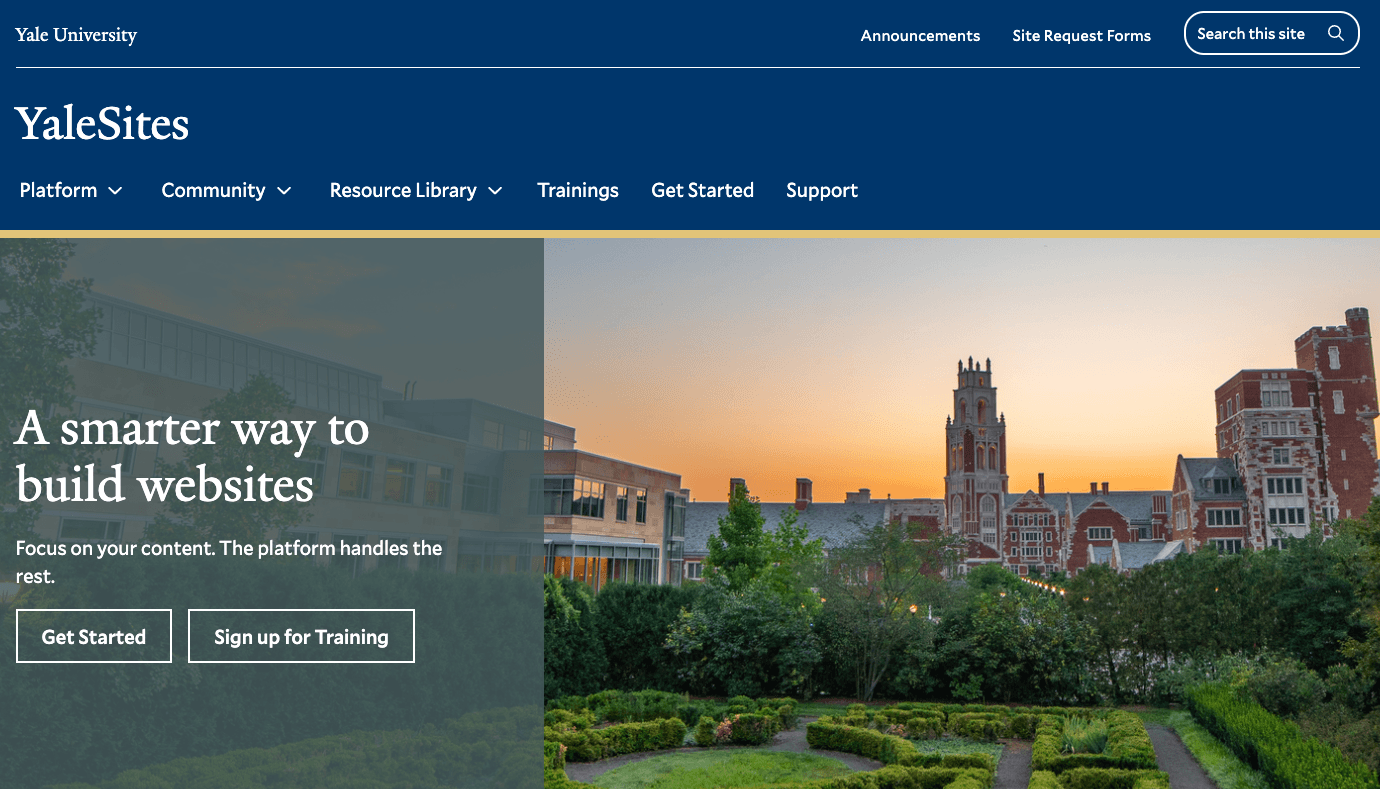
Yale University
YaleSites Platform
Transforming how Yale's 1,500+ websites are built and maintained through a component-based design system and collaborative development model.
- Role
- Product Manager, Lead UX Designer
- Timeline
- 2020 – Present
- Company
- Yale University
- UX Design
- Product Management
- Design Systems
- Accessibility
Overview
The YaleSites platform is a multi-year redesign project that empowers the Yale community to better communicate with their audiences through a secure, cost-effective, usable, accessible, and sustainable web platform. As Product Manager, I led the transition from an outdated Drupal 7 environment to a modern Drupal 10 platform with a component-based design system — transforming how Yale departments create and maintain their web presence.
Problem Statement
Yale's previous web platform presented numerous challenges that hindered effective digital communication across the university's 1,500+ websites:
- Poor User Experience — The Drupal 7 administration interface was difficult to navigate with a steep learning curve for content editors
- Technical Barriers — Required HTML/CSS/JavaScript knowledge for even basic customization
- Siloed Development — Features and functionality trapped within individual sites with no mechanism for sharing innovations
- Branding Inconsistencies — Difficult for users to maintain Yale branding through CSS, leading to visual inconsistency
- Accessibility Concerns — Manual implementation of accessibility features created inconsistent experiences
I feel like I need a computer science degree just to update my department's website. It shouldn't be this hard to add a new faculty member or post an event.
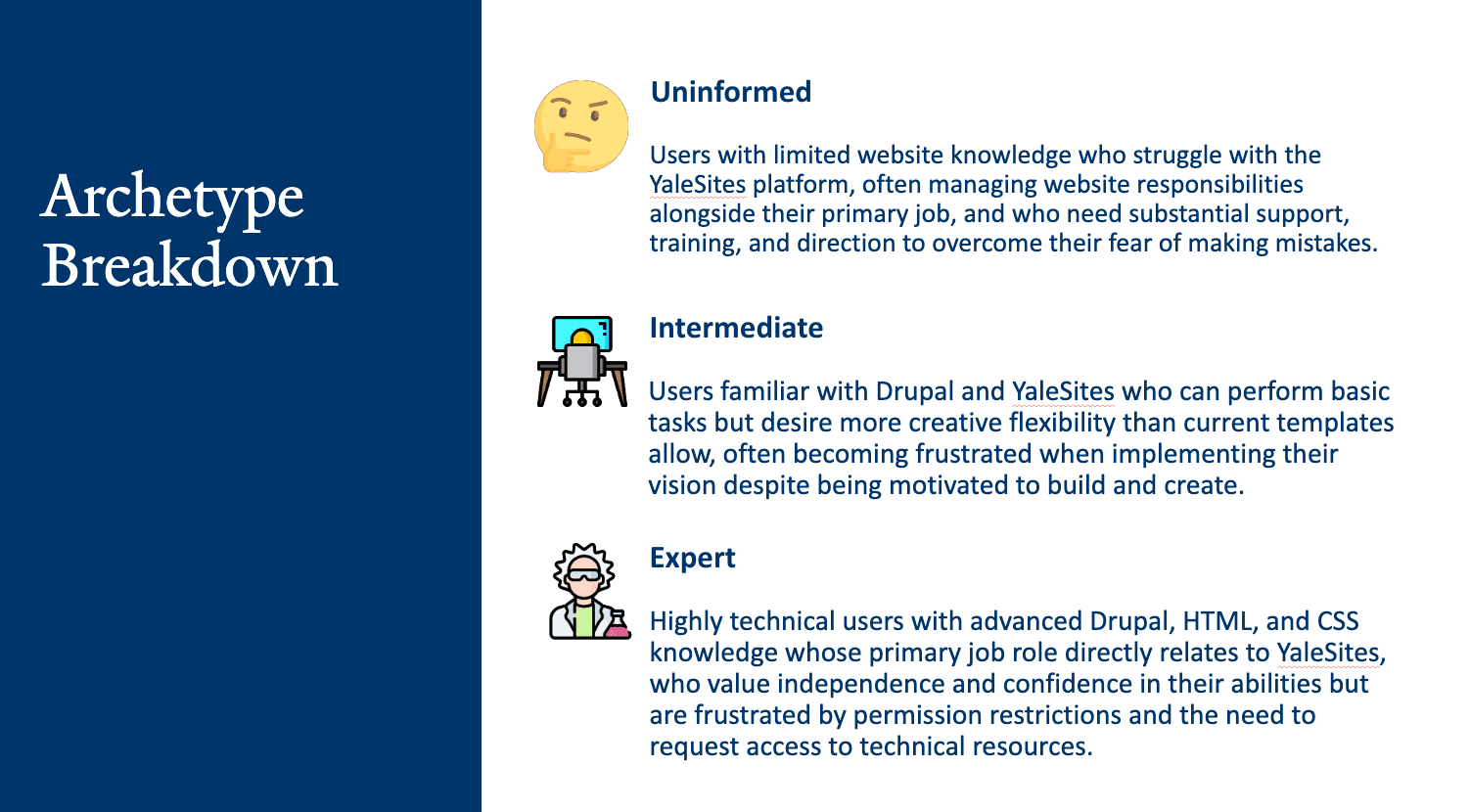
Research revealed that users fell into distinct archetypes based on knowledge level (Uninformed, Intermediate, Expert), role (Team Player, Owner, Dabbler), and approach (Easy Going, Inspired, Mechanic). Most users experienced significant pain points around content management, design limitations, and technical requirements.
User Research
Research Methodology
To deeply understand the needs of the Yale web community, I conducted comprehensive user research across the university:
- Conducted 18 in-depth user interviews with administrators, content editors, and developers
- Analyzed 159 survey responses from across Yale departments
- Facilitated user shadowing sessions to observe real website maintenance workflows
- Examined support tickets to identify common issues and pain points
- Created detailed user archetypes and personas to guide design decisions
Key Findings
Research surfaced the top five user needs in priority order:
- Integrated accessibility audit tools
- Updated look and feel
- Improved user permissions and access controls
- Better support resources
- Simplified content management
Design Process
The project followed five phases, each building on the insights from the last:
Discovery & Research
Comprehensive interviews, surveys, and shadowing sessions to surface real user pain points across Yale departments.
Design System
Built a component library in Storybook using Emulsify — Yale branding baked in, no coding required.
Platform Architecture
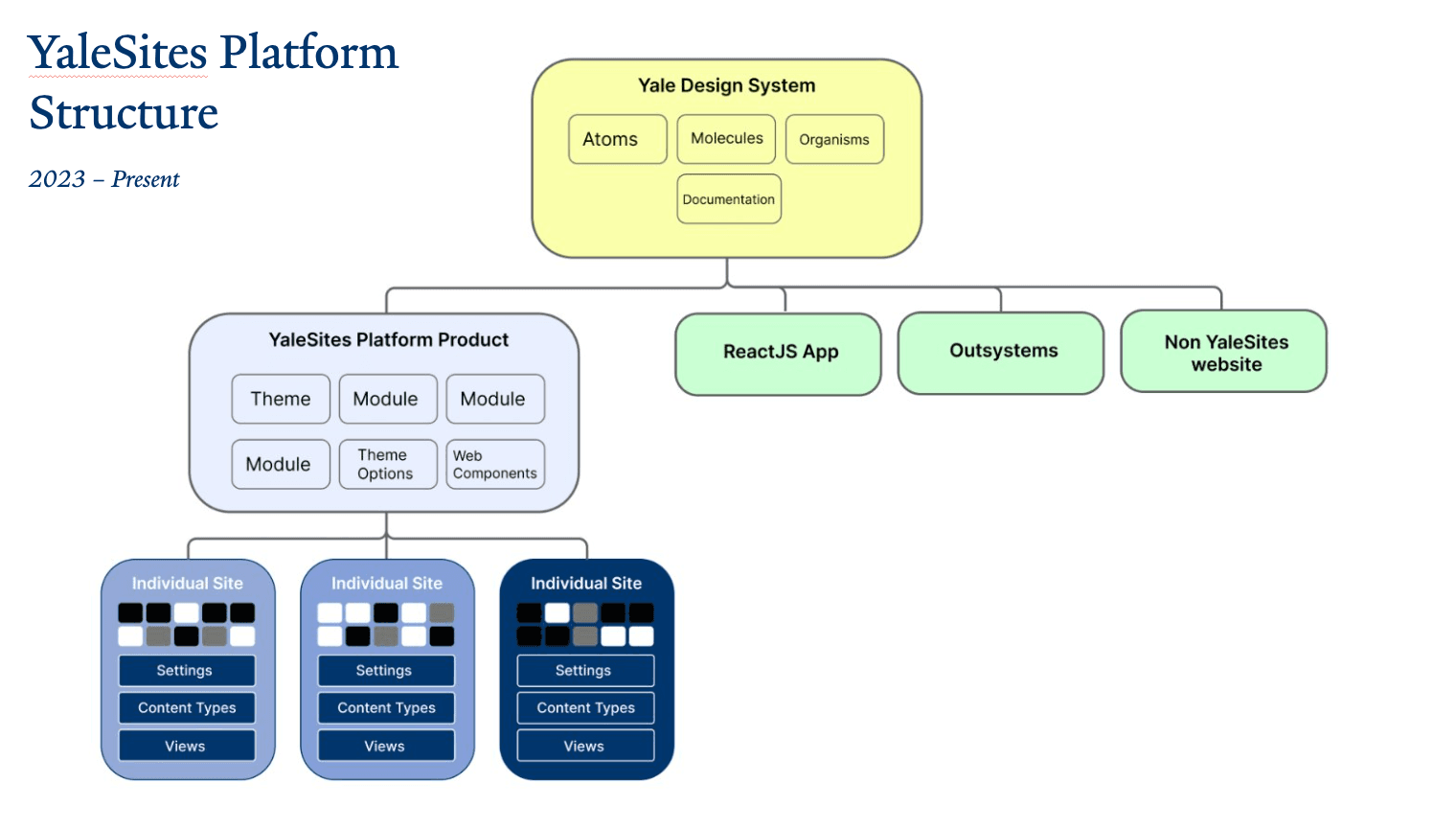
Redesigned the platform structure with a centralized core and flexible department-level customization.
Implementation & Rollout
Shifted to a collaborative development model so any department's improvements benefit the whole community.
Feedback & Iteration
Established continuous feedback loops with content editors and developers to refine the platform over time.
Design System Development
Working with designers and developers, we established a component-based approach using:
- Storybook component library for consistent, documented UI elements
- Emulsify, an open-source design system that integrates natively with Drupal
- Block-based content architecture for intuitive, drag-and-drop content creation
- Yale's visual identity guidelines baked directly into every component
The design system addressed pain points from research by creating reusable components that required no coding knowledge while maintaining brand consistency across all 1,500+ Yale websites.
Collaborative Development Model
One of the most innovative aspects of the new platform was shifting to a collaborative development model:
- Core platform maintained centrally by Yale ITS
- Departments can enhance the platform through vendor collaborations
- New features automatically benefit the entire community
- Feature prioritization driven by shared user needs
Yale West Campus served as our first major case study, transforming their site using the new platform architecture and setting the standard for future implementations.
Solution
Intuitive Authoring Experience
The new YaleSites platform offers 25+ purpose-built content blocks designed for non-technical users:
- Accordions for expandable content
- Button blocks with proper accessibility baked in
- Spotlight sections for featuring key content
- Media grids for image galleries
- Quote blocks for testimonials
- Event listings with automatic formatting
- People directories with consistent styling
Visual Layout Builder
The platform features a drag-and-drop interface requiring no coding knowledge, allowing users to visually arrange content blocks, preview changes in real-time, adjust layouts for different device sizes, and save templates for future reuse.
Integrated Accessibility
Accessibility is baked into the platform rather than treated as an afterthought:
- Built-in tools ensure sites meet WCAG 2.1 AA standards
- Automated accessibility checking during content creation
- Proper heading structure enforced by the system
- Alt text requirements for images surfaced in the authoring interface
- Keyboard navigation thoroughly tested across all components
Consistent Branding
The platform ensures Yale's brand standards are maintained while allowing appropriate customization: Yale typography applied automatically, color palettes pre-configured to meet brand guidelines, standardized spacing and layout principles, and department-specific theming options within approved guidelines.
Results
Beyond the metrics, the platform delivered broader organizational benefits:
- Improved User Satisfaction — Content editors now complete tasks without developer assistance
- Reduced Development Costs — Features developed once benefit the entire Yale community
- Consistent Brand Experience — Standardized look and feel across all Yale websites
- Enhanced Accessibility — Integrated tools ensure accessible content creation by default, not by exception
More Work
Continue exploring
Yale University
YaleSites — Operating a Platform at Scale
Transitioning from Lead UX Designer to Product Manager — owning roadmap, service delivery, cross-functional vendor coordination, and platform infrastructure governance for a multi-tenant live platform serving 2,400+ users across Yale.
View case study
Yale University
Yale DUO Opt-In
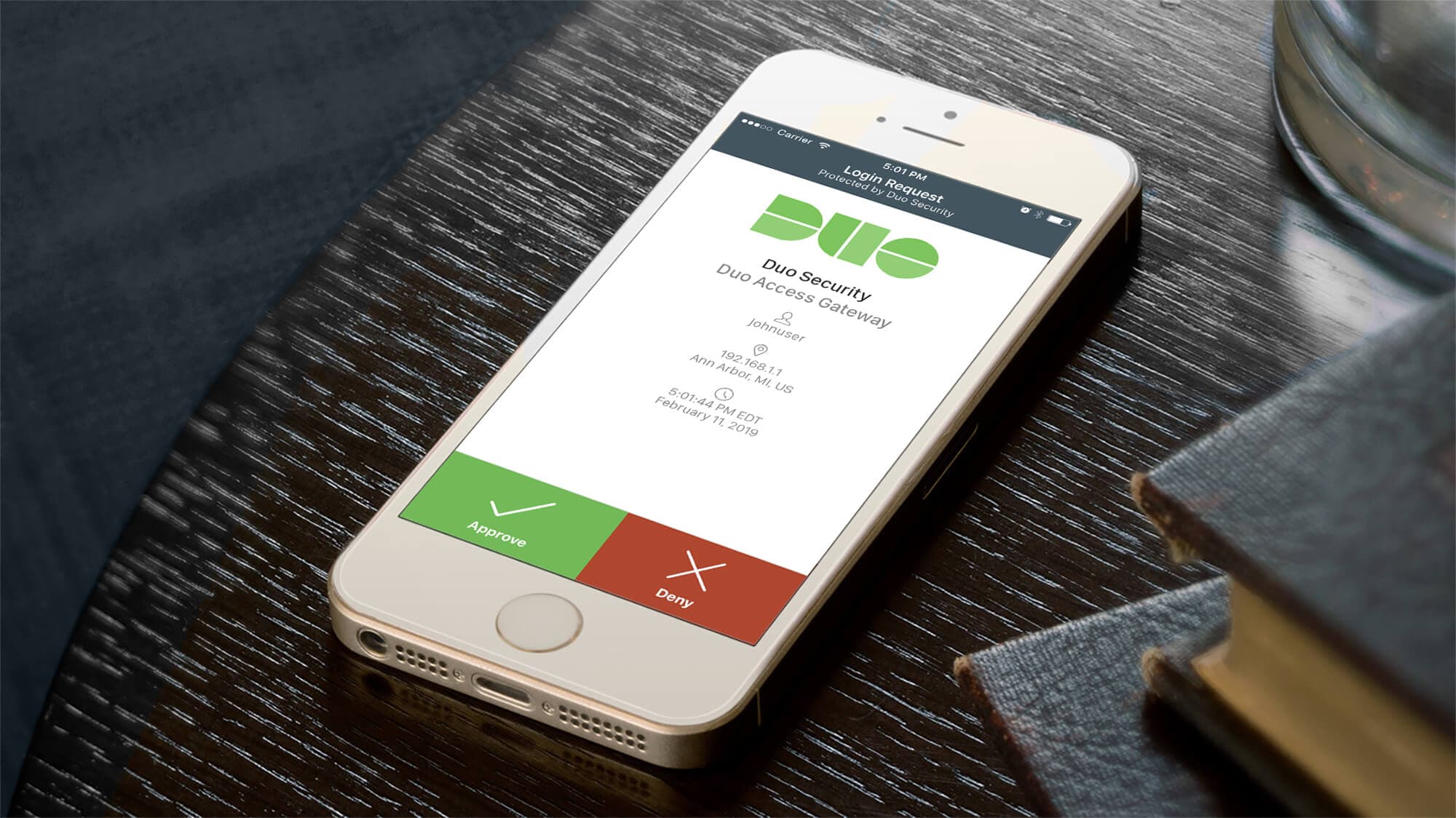
Owning end-to-end rollout strategy for Yale's two-factor authentication infrastructure — driving adoption at scale across 20,000+ users through cross-functional execution with security and engineering teams.
View case study
Timex
Timex Family Connect
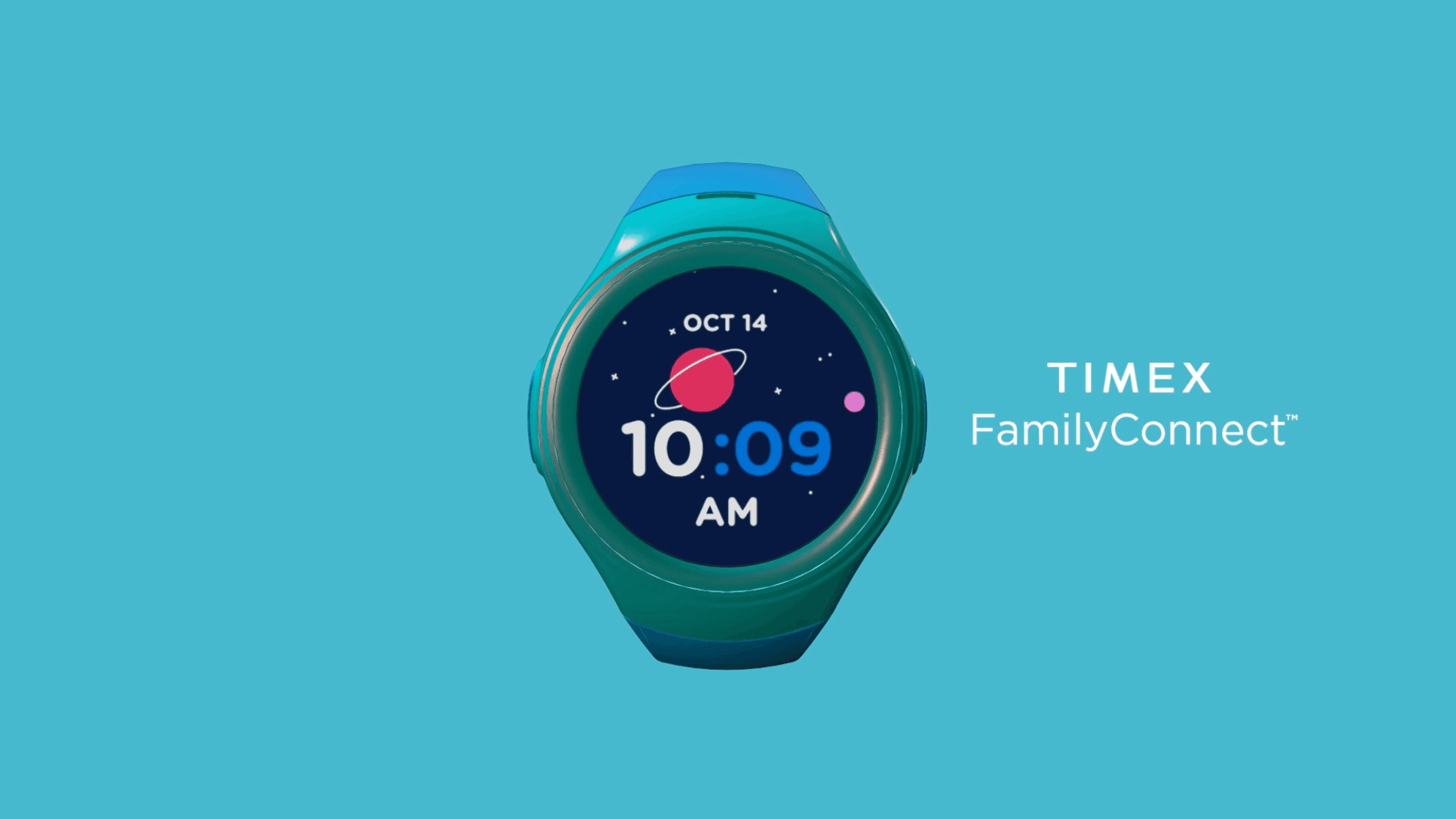
Designing a seamless wearable experience that connects families through a child-friendly smartwatch — balancing safety, simplicity, and delight for two very different users.
View case study